Why GPUs Are So Much Faster Than CPUs
Nerdivation · Published
A 4K image contains 8,294,400 pixels. Display 60 of those images every second, and a screen presents nearly half a billion pixel positions per second.
Your graphics card handles that flood of work while the game is still responding to your input, simulating the world, loading assets, playing audio, and trying not to turn your computer into a space heater.
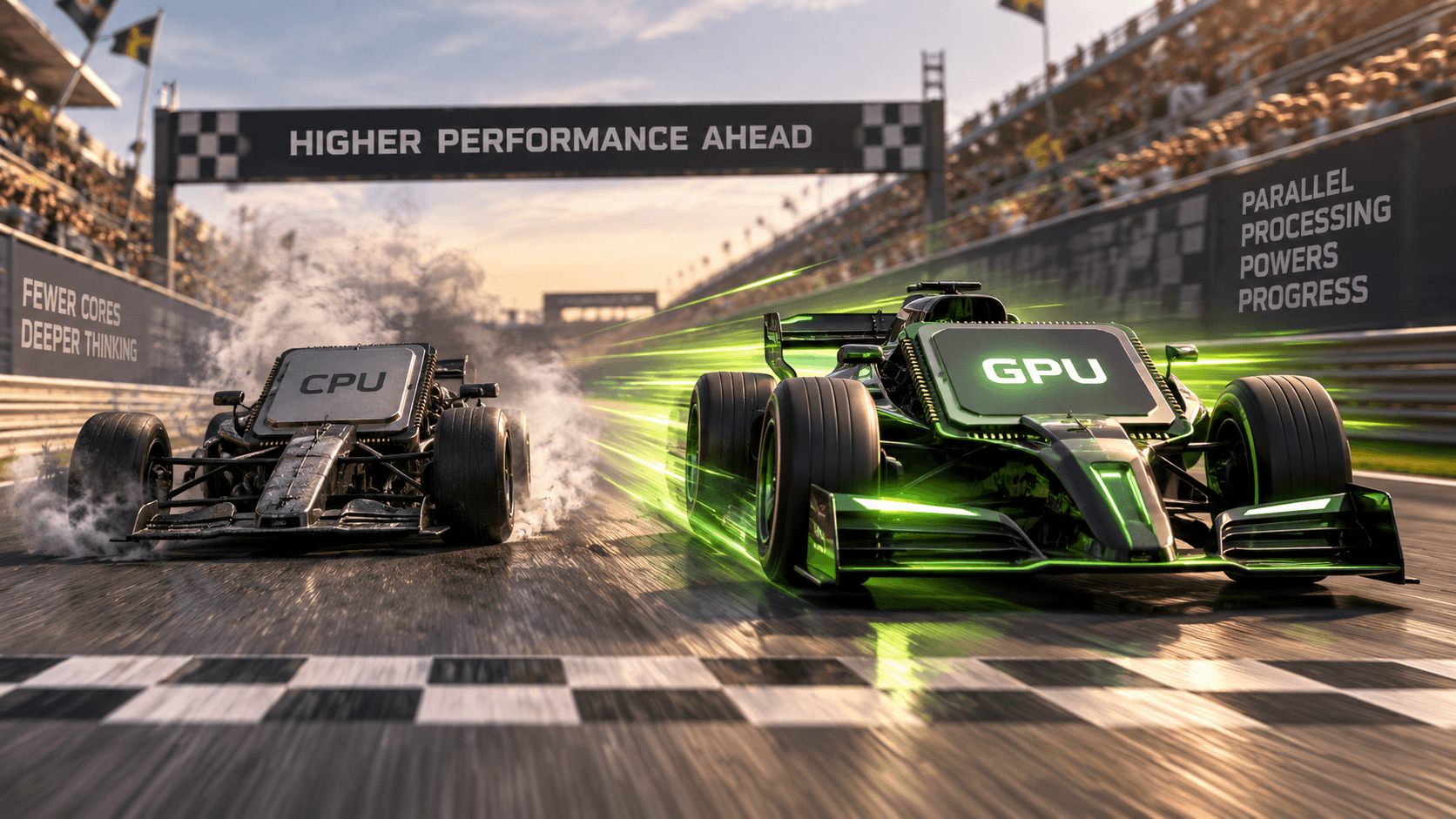
So why can a GPU perform such an outrageous amount of work while a CPU, with fewer cores and often a higher clock speed, appears almost embarrassingly outnumbered?
The usual answer is that GPUs have thousands of cores.
That answer is not exactly wrong. It is just incomplete enough to be misleading.
A GPU is not simply a CPU with more cores. The two processors are built around fundamentally different ideas about what "fast" means.
A CPU is designed to complete a relatively small number of complicated and unpredictable tasks as quickly as possible. A GPU is designed to complete an enormous number of similar tasks at the same time.
That difference explains almost everything.
A Master Mechanic Versus an Enormous Assembly Line
Imagine that you own two factories.
The first factory employs eight master mechanics. Each mechanic is highly trained, well equipped, and capable of solving almost any problem placed in front of them. They can inspect a machine, diagnose a strange fault, change their plan halfway through the repair, and react to unexpected complications.
The second factory employs several thousand workers. Each worker has a smaller set of tools and is less capable individually. But when thousands of identical parts arrive, the workers can process them simultaneously.
Which factory is faster?
That depends entirely on the job.
Give both factories one broken prototype with no instructions, and the master mechanics will probably win. Give them one million identical metal plates that each need the same four holes drilled into them, and the assembly line will demolish the smaller team.
That is approximately the relationship between a CPU and a GPU. The CPU is the team of expert problem-solvers. The GPU is the enormous parallel factory.
They Spend Their Transistors Differently
A processor contains billions of transistors, but chip designers cannot use all of them for raw arithmetic. They must decide how much silicon to dedicate to calculation, memory, scheduling, prediction, control logic, and dozens of other responsibilities.
A modern CPU spends a substantial portion of its transistor budget on features that help a relatively small number of cores execute complicated code quickly. These features include:
- Large, sophisticated cache systems
- Branch prediction
- Out-of-order instruction execution
- Speculative execution
- Complex instruction scheduling
- Memory protection and virtualization
- Logic for rapidly switching among different types of work
A GPU makes a different trade. It still has caches, schedulers, control logic, and other supporting hardware, but it shifts more of its available silicon toward arithmetic resources that can process large collections of data. NVIDIA describes GPUs as devoting more transistors to data processing, while CPUs devote comparatively more to data caching and flow control. [1]
Neither design is universally better. Each is optimized for a different kind of work.
CPUs Minimize Latency; GPUs Maximize Throughput
This is the most important distinction in the entire article.
A CPU is primarily designed around latency: how quickly can we finish this individual task?
A GPU is primarily designed around throughput: how many total tasks can we finish during a given amount of time?
Suppose a CPU completes one calculation in a single unit of time. A GPU might take several units of time to complete one isolated calculation. But if it can work on thousands of calculations concurrently, it may finish the full workload dramatically sooner.
Think about a restaurant. A highly skilled chef might prepare one complicated custom meal faster than anyone else in the kitchen. That is low latency. A large catering operation might not prepare any one meal quite as quickly, but it can produce thousands of nearly identical meals in an hour. That is high throughput.
Graphics rendering is overwhelmingly a throughput problem. The computer must transform many vertices, sample many textures, calculate many lighting contributions, and determine the colors of millions of pixels. Much of that work can be divided into smaller calculations that are largely independent of one another.
That is exactly the environment in which a GPU thrives.
A "GPU Core" Is Not the Same as a "CPU Core"
This is where hardware marketing creates confusion.
A desktop CPU might be advertised with 8 to 24 cores; workstation and server chips go much higher. A graphics card may appear to have several thousand processing cores. It is tempting to conclude that the GPU contains thousands of miniature CPUs.
It does not.
A CPU core is a large, sophisticated, general-purpose processor capable of independently handling complicated instruction streams. On NVIDIA hardware, what marketing calls a CUDA core is closer to an arithmetic execution lane than a complete CPU core. AMD and Intel organize and count GPU hardware differently, so advertised "core" counts are not directly comparable across vendors, and none is comparable one-for-one with a CPU core.
Comparing CPU cores with GPU cores is a little like comparing eight fully equipped construction crews with several thousand individual power tools. The number tells you something, but not what most people assume it tells you.
The GPU's advantage comes from organizing a huge number of arithmetic resources so they can work on related pieces of data together.
The GPU Does Not Treat Every Thread as Completely Independent
On an NVIDIA GPU, threads are organized into groups called warps. A warp contains 32 threads, and those threads generally execute a common instruction across different pieces of data. [2] The word "warp" and the 32-thread width are NVIDIA-specific details, not universal GPU rules.
Imagine applying a brightness adjustment to an image. For each pixel, the program might perform something like:
new_red = old_red * brightness
new_green = old_green * brightness
new_blue = old_blue * brightness
The same instructions are repeated across millions of pixels. That is ideal GPU work. The GPU can assign different pixels to different threads and perform the operations across many of them at once.
This execution model is often called SIMT, or single instruction, multiple threads. It is incredibly efficient when the threads are doing similar work. But there is a catch.
GPUs Dislike Disagreement
Suppose our image-processing program changes:
if pixel is part of the sky:
	apply blue correction
else:
	apply shadow correction
Some threads now need to follow the first path while others need to follow the second. This is known as branch divergence.
When threads in the same warp choose different paths, the GPU may have to execute each path separately while temporarily disabling the threads that do not belong to that path. Full efficiency occurs when all 32 threads agree on the execution path; divergent branches force the warp to process the paths in stages. [3]
It is like sending 32 people through a theme-park turnstile as one group. Everything moves efficiently while everyone is heading toward the same ride. But if half the group wants the roller coaster and the other half wants the water ride, the group must effectively be processed in stages.
This does not mean GPUs cannot run conditional code. They do it constantly. It means highly irregular, branch-heavy work may use the hardware less efficiently. A CPU's advanced prediction and control logic make it much better suited to code that frequently changes direction.
CPUs Avoid Waiting. GPUs Hide the Waiting.
Memory access is slow compared with arithmetic.
When a CPU needs data that is not already available in a nearby cache, it may have to wait while that data travels through the memory hierarchy. CPU designers fight that delay with large caches, prefetching, speculative execution, out-of-order execution, and branch prediction. The processor tries to predict what data and instructions it will need before it actually needs them.
The CPU's strategy is essentially: avoid waiting whenever possible.
A GPU takes a different approach. When one group of threads is waiting for data, the GPU can schedule another group that is ready to run. Rather than dedicating enormous amounts of silicon to making one thread difficult to stall, it keeps many threads available and switches among them to maintain overall throughput.
The GPU's strategy is closer to: some workers will always be waiting, so keep enough workers available that the factory never stops.
On NVIDIA hardware, the scheduler can hide some memory latency by issuing work from another ready warp while one warp waits on a long-latency operation. That strategy only works when the GPU has enough ready warps to choose from; with too little parallel work, the arithmetic hardware can still sit idle. [3]
The GPU does not make every memory access instant. It keeps useful work moving while other operations wait.
Memory Bandwidth Is Only Part of the Story
GPUs are commonly equipped with memory systems designed to move large amounts of data. This is essential because thousands of arithmetic resources are useless if they spend most of their time waiting for input.
But high memory bandwidth does not guarantee high performance.
The GPU prefers data to be organized predictably. When neighboring threads request neighboring memory locations, those requests can often be served efficiently. This is commonly described as coalesced memory access. [4]
Imagine sending a delivery truck to one neighborhood with 32 packages. If every package goes to houses on the same street, the route is efficient. If each package goes to a different corner of the city, the truck spends far more time traveling than delivering.
The amount of data is identical. The access pattern is not.
This is one reason moving an algorithm to the GPU does not automatically make it fast. The algorithm must expose enough parallel work, and its data must be arranged in a way the GPU can process efficiently.
The Real Question Is How Much Work You Perform per Byte
Computer scientists often describe this using arithmetic intensity. In the original Roofline model, the more precise term is operational intensity: the number of operations performed per byte of DRAM traffic after cache effects. [5]
Arithmetic intensity measures roughly how much calculation an algorithm performs relative to the amount of data it must move.
Consider two tasks. The first loads a number, adds one to it, and stores the result. The second loads a number, performs hundreds of mathematical operations, and then stores the result.
The second task performs much more computation for each piece of data it retrieves. It has greater arithmetic intensity.
An algorithm with low arithmetic intensity may be limited by memory bandwidth. The arithmetic hardware is capable of doing more work, but it cannot receive data quickly enough. An algorithm with high arithmetic intensity is more likely to benefit from the GPU's enormous computational throughput.
The Roofline performance model formalizes this idea by showing that application performance can be limited either by computational capacity or by memory bandwidth, depending on how much work is performed per byte moved. [5, 6]
This gives us a much more useful question than "Is the GPU faster?"
Why GPUs Became So Important for Artificial Intelligence
Modern neural networks rely heavily on matrix multiplication.
A matrix multiplication contains a huge number of multiply-and-add operations. Many of those operations can be performed independently, making the workload highly parallel. That is already a strong match for a GPU.
Modern GPUs go further by including specialized hardware for matrix operations. NVIDIA calls these units Tensor Cores. They accelerate the kinds of matrix multiply-and-accumulate operations used extensively in machine learning. [7] That fit is why GPUs became the default engine for training, while inference is more mixed: small models and specialized accelerators can win on latency, power efficiency, or cost.
That does not mean a GPU "understands" artificial intelligence. It means the mathematics underlying many neural-network operations happens to align extremely well with the GPU's architecture.
Training a neural network involves processing enormous collections of numbers through repeated, structured mathematical operations. The GPU's parallel factory can keep a vast number of arithmetic resources working on those operations concurrently.
This is also why saying that AI runs faster "because GPUs have more cores" misses the deeper explanation. The important part is the combination of:
- Large-scale parallelism
- High-throughput arithmetic
- Memory systems designed to feed that arithmetic
- Software capable of dividing work across the hardware
- Specialized units for common matrix operations
The hardware, workload, and software model all fit together.
So Why Not Run Everything on the GPU?
Because many workloads are poor matches for it.
Imagine calculating the following sequence:
- A must finish before B can begin.
- B determines whether C or D should run.
- The result determines which data E must load.
- E may repeat the process an unknown number of times.
There may be very little independent work available. Adding thousands of execution lanes does not help if each step depends on the result of the previous step.
GPUs can also lose their advantage when:
- The workload is too small to occupy the hardware
- The code contains unpredictable branches
- Threads frequently need to synchronize
- Memory accesses are scattered
- Data must constantly move between system memory and GPU memory
- The algorithm is mostly serial
- Fast response time for one individual task matters more than total throughput
Modern CPUs also contain wide vector and, increasingly, matrix units, so the distinction is not "serial CPU versus parallel GPU" but the scale, organization, and scheduling of their parallel hardware. High-frequency CPUs are still well suited to scalar and irregular work, and they avoid much of the latency and transfer overhead involved in offloading small workloads to another device. [8]
Launching work on a GPU has overhead. A discrete GPU may require data copies across an interconnect as well as command preparation, resource allocation, a kernel launch, and a result transfer. [2] Integrated or unified-memory systems can reduce the copy cost, but they do not eliminate launch overhead or the need for enough parallel work to keep the GPU busy.
Using a discrete GPU for a tiny calculation can be like hiring an entire shipping company to deliver a sandwich across the street. The company has far more total transportation capacity than one person, but the person may finish that specific job first.
Where Each Processor Tends to Win
The word "usually" matters. Integrated GPUs, NPUs, CPU vector and matrix units, dedicated media engines, and software optimizations blur these categories. Still, the following comparison is a useful starting point.
Workload | Usually Favored | Why |
|---|---|---|
Operating-system tasks | CPU | Complex control flow and frequent context changes |
Game logic and simulation steering | CPU | Decisions, dependencies, and unpredictable branches |
Pixel and shader calculations | GPU | Similar operations across enormous datasets |
Large matrix multiplication | GPU | Highly parallel arithmetic |
Small calculations needing immediate results | CPU | Low launch and transfer overhead |
Video effects and image processing | GPU | Repeated operations across frames and pixels |
Compiling code | CPU | Irregular dependencies and pointer-heavy intermediate representations |
Large neural-network training | GPU | Parallel matrix operations and specialized hardware |
General desktop applications | CPU | Broad, irregular workloads |
Scientific simulations | Depends | Parallelism, data movement, and algorithm structure decide |
The CPU and GPU Are Partners, Not Rivals
A modern computer is a heterogeneous system: it contains different kinds of processors designed for different parts of a workload. In the CUDA programming model, the CPU is the host and the GPU is the device; the application divides responsibilities between them and usually performs best when both are used well. [2]
In a game, the CPU may process input, execute game rules, prepare commands, and coordinate the simulation. The GPU processes geometry, shaders, textures, and pixels.
In an AI application, the CPU may load data, prepare batches, manage storage, and coordinate execution. The GPU performs the large parallel mathematical operations.
In video production, the CPU may manage the application and timeline while the GPU accelerates effects, color operations, decoding, or encoding, depending on the software and hardware involved.
The fastest system is rarely the one that forces every task onto one type of processor. It is the system that sends each task to the hardware best suited to perform it.
The One-Sentence Explanation
A CPU tries to finish a few complicated tasks as quickly as possible. A GPU tries to finish an enormous number of similar tasks at the same time.
That is why a GPU can render a virtual world, train a neural network, simulate millions of particles, or apply an effect to every pixel of a video at astonishing speed.
It is not simply a processor with more cores. It is a machine built around a different definition of performance.
And that is also why a GPU is not always faster than a CPU.
Give it a mountain of parallel work, and it becomes an industrial-scale mathematical factory. Give it one small, unpredictable problem, and the CPU's team of expert problem-solvers may still finish first.
Peak performance tells you what hardware might achieve. Architecture, workload, data movement, and software determine what it actually achieves.
Primary References for Technical Claims
Source | Supports |
|---|---|
GPU and CPU transistor allocation; relative emphasis on data processing, caching, and flow control. | |
NVIDIA warp and SIMT terminology; CPU host and GPU device roles; launches and data movement. | |
3. NVIDIA CUDA Programming Guide: Advanced Kernel Programming | Branch divergence, warp scheduling, and latency hiding on NVIDIA GPUs. |
Coalesced memory access and practical GPU performance considerations. | |
5. Williams, Waterman, and Patterson: The Original Roofline Paper | The original Roofline model and its operational-intensity terminology. |
6. Lawrence Berkeley National Laboratory: The Roofline Model | A readable explanation of compute-bound versus memory-bound performance. |
Matrix multiplication in deep learning and Tensor Core-oriented performance. | |
8. Intel: Comparing CPUs, GPUs, and FPGAs for oneAPI Workloads | CPU scalar and vector strengths, plus the latency implications of offloading work. |